

Welcome to our tutorial!
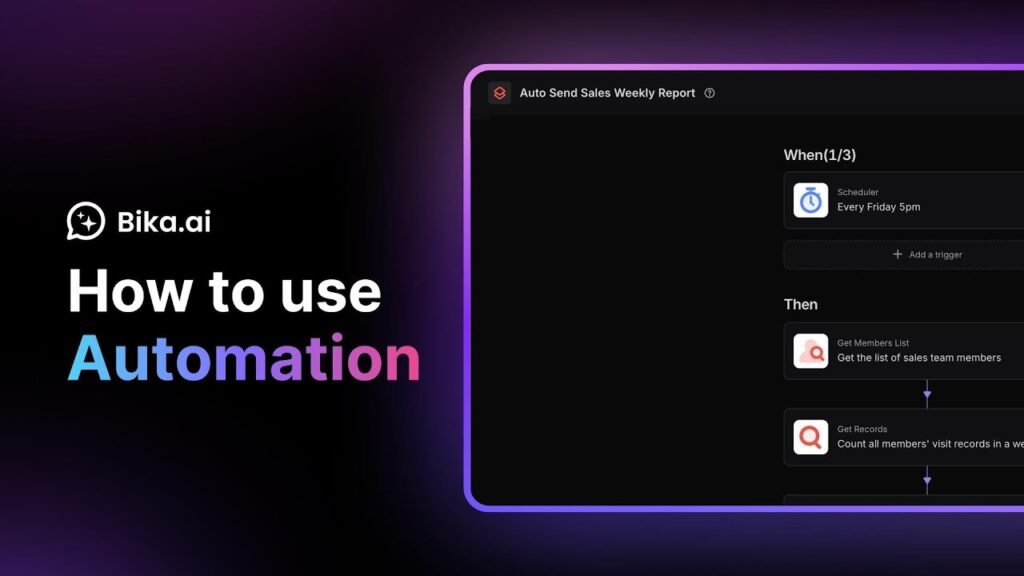
Bika.ai Automation connects your database with other business systems and enables truly automated workflows — from triggers to actions, everything runs seamlessly.
In this video, you’ll discover how to create and configure automations in Bika.ai, set up triggers and actions, test workflows, and activate them for continuous operation. Let’s see how to save time and eliminate repetitive tasks with automation.
Video Chapters:
00:00 – 00:07: What is Automation and how it connects your systems
00:08 – 00:52: Create automation with triggers and actions
00:53 – 01:19: Test and refine your workflow
01:20 – 01:50: Activate and monitor automation
About Bika.ai
Bika.ai is the first AI Organizer platform that helps you build and manage your own agentic AI team. Combining AI agents, automation, databases, dashboards, and documents in one place, Bika.ai makes running your one-person AI-powered company a reality. Just chat, build, and manage your agents like you would in a messenger app — and watch them proactively get your jobs done.
️ Additional Resources:
Official website: https://bika.ai
Templates Center: https://bika.ai/template
Help Center: https://bika.ai/help
Request a Free Demo: https://staging.bika.ai/u/77SjtV?sidebar=0
Developer Docs: https://bika.ai/help/guide/developer/openapi
Stay in the Loop:
Follow us on Twitter: https://twitter.com/bika_ai
Follow us on LinkedIn: https://www.linkedin.com/company/bika-ai
Join our Community: https://community.bika.ai
Don’t forget to subscribe to our YouTube channel and turn on notifications for more tutorials, tips, and case studies on how to supercharge your business with Bika.ai!
#AIOrganizer #BikaAI #Automation #WorkflowAutomation #BusinessAutomation #ProductivityTools #WorkSmarter #AutomatedProcesses #DatabaseAutomation #EmailAutomation #SmartWorkflows #OnePersonCompany #AgenticAI #TriggerAndAction #ProcessEfficiency #TaskAutomation #RunHistory #ContinuousImprovement #AutomationTips #BikaTutorial #WorkWithAI
Source