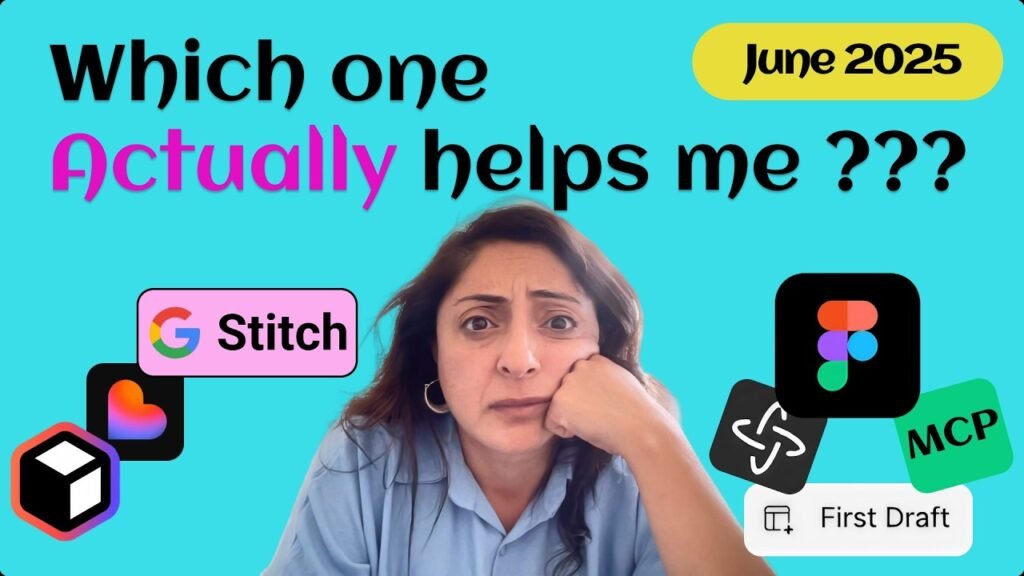


UX is Stronger than ever with AI, but it is all about using the right AI tools for Design workflows. Are you a UX/UI or product designer feeling overwhelmed by all the new AI tools in 2025? You’re not alone. In this video, I compare AI tools like “Relume”, “Lovable”, Figma “First Draft”, “Figma Make” and “Google Stitch”. I show you why one of those tools is the only one that currently achieves what I need.
Prompt to Vector is what designers need, not prompt to Code.
Tools Covered:
Figma Make:https://www.figma.com/make/
Figma First Draft: https://help.figma.com/hc/en-us/articles/23955143044247-Use-First-Draft-with-Figma-AI
Lovable: https://lovable.dev/
Relume: https://www.relume.io/
Google Stitch: https://stitch.withgoogle.com/
Watch my full Figma Make tutorial: [https://youtu.be/_QFRc-QPofE?si=clkQ2V15tLRo76Td]
Stay ahead with my UX career guide: [https://youtu.be/fTUttQxS9lY?si=CzPg6vZ4o5G1CLwb]
#aitools2025 #GoogleStitch #FigmaAI #googleai #lovable #uxdesigntools #UXDesign2025 #UXTools #AIforDesigners #UXvsAI
——————————————————————————–
if you want to get the latest updates on new releases as soon as possible, make sure to subscribe but also CLIKC the BELL BUTTON and select All notifications so you get notified when I release new Updates.
——————————————————————————-
Learn more with professional free Courses:
Complete COURSE Figma for Beginners 2025: https://www.youtube.com/playlist?list=PLXdRMPwB8CHkdA9Sch2ArrgmViCbHyaRN
Figma MAKE from 0 to Expert Course: https://www.youtube.com/playlist?list=PLXdRMPwB8CHmbSLEKimjJMuvlAQgi09I_
🧘️ Career in UX/UI Design Course : https://www.youtube.com/playlist?list=PLXdRMPwB8CHmky4DDULgzeU-u4XyHNU7y
——————————————————————————-
Connect with me!
️ LinkedIn: https://www.linkedin.com/in/nehmatgereige/
Portfolio: https://nehmatgereige.com/
Book Free Mentorship time with me: https://adplist.org/mentors/nehmat-gereige
Figma Creations: https://www.figma.com/@nehmatgereige
——————————————————————————-
🧘️ My Gear:
——————————————————————————-
LED Recording Light: https://amzn.to/4b3Ey6p
Microphone: https://amzn.to/3EUoFmC
MacBook Pro: https://amzn.to/40XXjUc
Disclaimer The links from my gear above are amazon affiliate links which allow me to receive a small commission if you click on one of the product links at absolutely NO ADDITIONAL COST TO YOU.
——————————————————————————-
⏰ CHAPTERS ⏰
00:00 #1. Intro
00:00 #2. Demo of “Relume”AI Tool
03:14 #3. Demo & Comparison of “Lovable”AI Tool
05:00 #4. Demo & Comparison of “Figma First Draft”
06:11 #5. Demo & Comparison of “Figma Make”
07:21 #6. How to “Prompt to Vector” & move Prompt Output from Figma “Make” to “Design”?
08:47 #7. “Google Stitch” Demo & Why this tools gets UX | UI Designers
Source