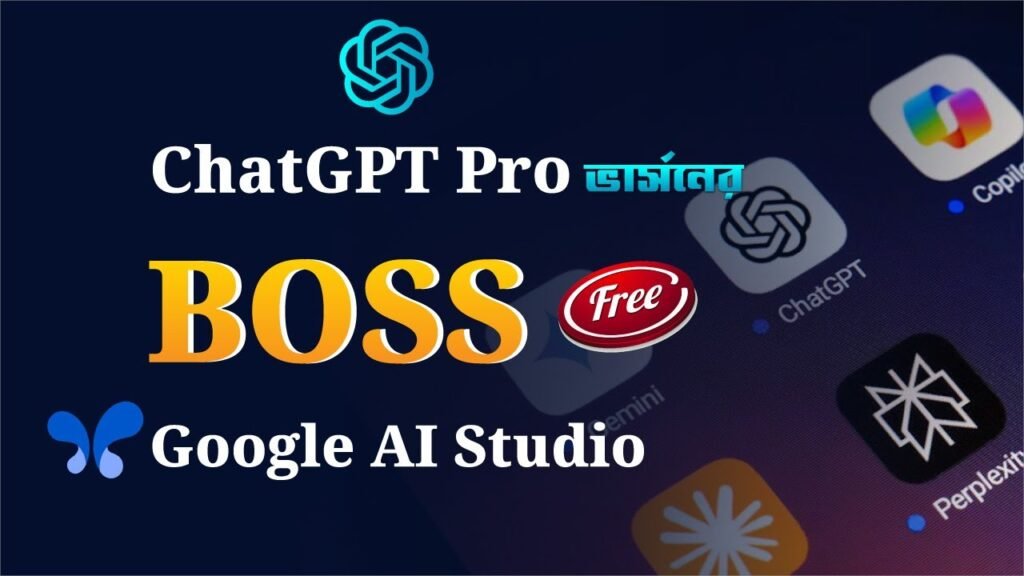


Google AI Studio is a web-based development environment that allows you to create, test, and deploy AI model particularly with Gemini, Google’s latest large language model (LLM). Whether you’re a developer, student, or just getting started with AI, Google AI Studio gives you a clean and user-friendly workspace to explore AI tools without needing deep programming experience.
What Can you Do With Google AI Studio?
Chat with Gemini models (like Gemini 1.5 Pro)
Generate content, code, or data summaries
Experiment with prompts and custom workflows
Export your project directly into code for integration.
How to Use Google AI Studio (Beginner’s Guide)
1️⃣ Visit: aistudio.google.com
2️⃣ Sign in with your Google Account
3️⃣ Start a new project and choose a Gemini model
4️⃣ Write your prompts and get instant AI-generated responses
5️⃣ Test, edit, and refine your prompts to improve results
6️⃣ Export your project to deploy in apps or share with others
Channel Link: https://www.youtube.com/c/creativeidea24
Produced by Creative Idea 24
00:25 – Introduction
00:30 – Log in process
03:00 – Article Writing procss
07:20 – Live Talk Process
12:20 – Image and Video creation process
17:30 – Lyric Tuning
18:00 – Ending
Why Use Google AI Studio?
No installation needed — it’s all in your browser
Beginner-friendly with a clean UI
Access to Google’s latest AI technology
Free to start with generous usage limits
Don’t forget to LIKE, COMMENT & SUBSCRIBE for more AI tutorials, walkthroughs, and tech insights!
Have questions or want to share how you’re using Google AI Studio? Drop a comment below!
#googleaistudio #geminiai #aibeginners #googlegemini #aitutorial #promptengineering #aitools
Source