

Welcome to our tutorial!
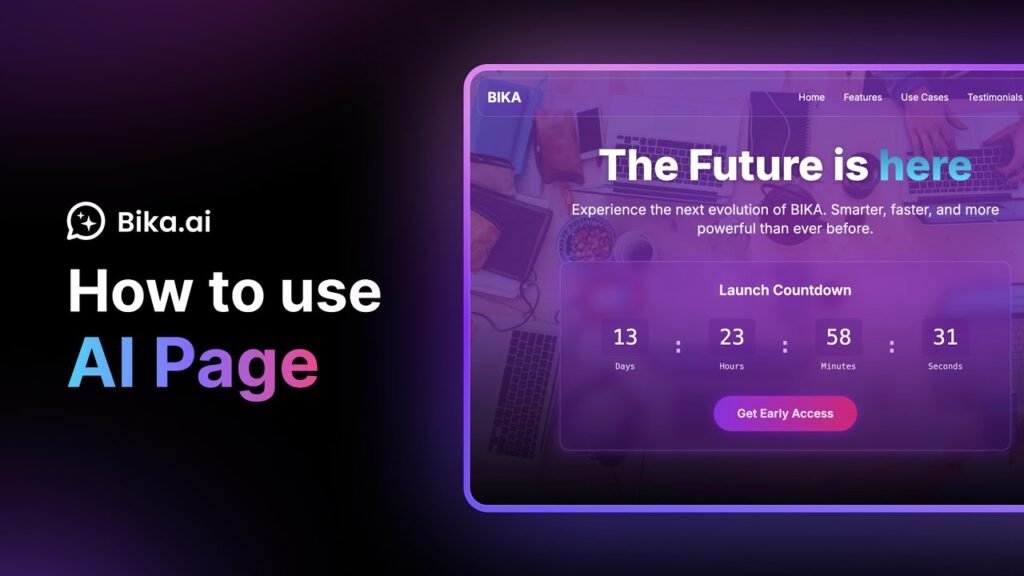
Bika.ai Page lets you create beautiful, interactive web pages just by chatting with AI — no design skills needed. Whether it’s a product launch, internal memo, or personal landing page, you can build and share it in minutes.
In this video, you’ll learn how to use Bika AI Page: from generating a preview, customizing content and layout, to publishing and sharing with your team or clients. It’s the fastest way to turn ideas into polished web pages.
Video Chapters:
00:00 – 00:05: What is Bika AI Page and how it works
00:06 – 00:52: Create, preview, and apply your AI-generated page
00:53 – 01:07: Customize, edit, and share your page with others
About Bika.ai
Bika.ai is the first AI Organizer platform that helps you build and manage your own agentic AI team. Combining AI agents, automation, databases, dashboards, and documents in one place, Bika.ai makes running your one-person AI-powered company a reality. Just chat, build, and manage your agents like you would in a messenger app — and watch them proactively get your jobs done.
️ Additional Resources:
Official website: https://bika.ai
Templates Center: https://bika.ai/template
Help Center: https://bika.ai/help
Request a Free Demo: https://staging.bika.ai/u/77SjtV?sidebar=0
Developer Docs: https://bika.ai/help/guide/developer/openapi
Stay in the Loop:
Follow us on Twitter: https://twitter.com/bika_ai
Follow us on LinkedIn: https://www.linkedin.com/company/bika-ai
Join our Community: https://community.bika.ai
Don’t forget to subscribe to our YouTube channel and turn on notifications for more tutorials, tips, and case studies on how to supercharge your business with Bika.ai!
#AIOrganizer #BikaAI #AIPages #NoCodeWebsite #AIWebsiteBuilder #LandingPage #ProductLaunch #WorkflowAutomation #WorkSmarter #AIWebDesign #AgenticAI #BusinessProductivity #InternalTools #MarketingTools #TeamCollaboration #PageEditor #PageGenerator #OnePersonCompany #SmartWorkflows #BikaTutorial #WorkWithAI
Source